
Inform your clients about the integration and keep them engaged with simple email templates.
Create an onboarding automation
Email #1: Partnership announcement
Draft an engaging announcement email that highlights TradeLocker’s key features, what it offers, and how traders can get started. Here’s an example:
TradeLocker x Brand
Welcome to the future of trading

Hi there,
We are proud to announce our partnership with TradeLocker! 🎉
TradeLocker is the next-gen trading platform that provides high-quality charts and indicators for informed decisions, and advanced risk management with stop loss and take profit features.
Try out some of our favorite TradeLocker features:
1. TradingView charting 2. Risk and SL&TP calculator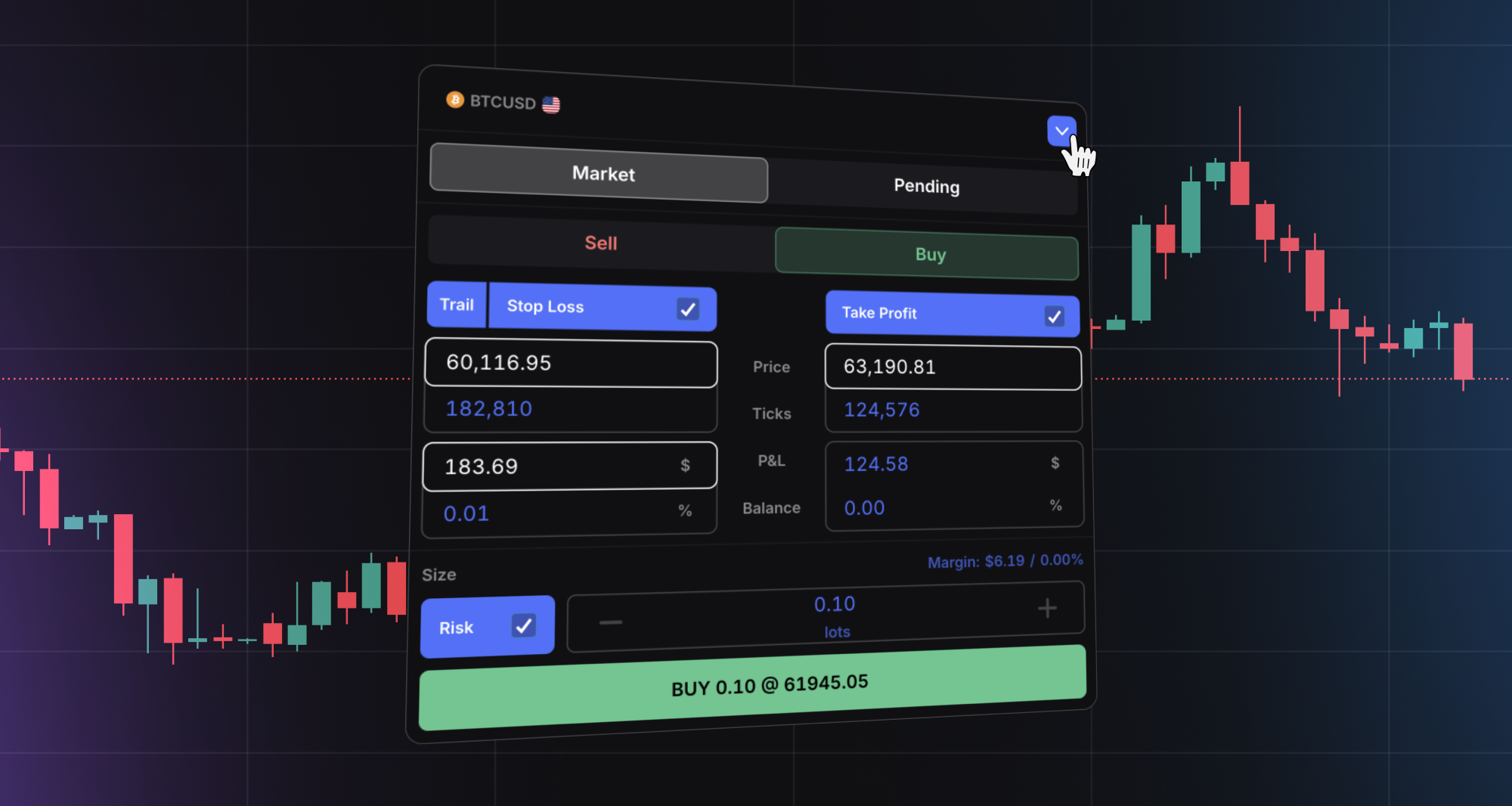
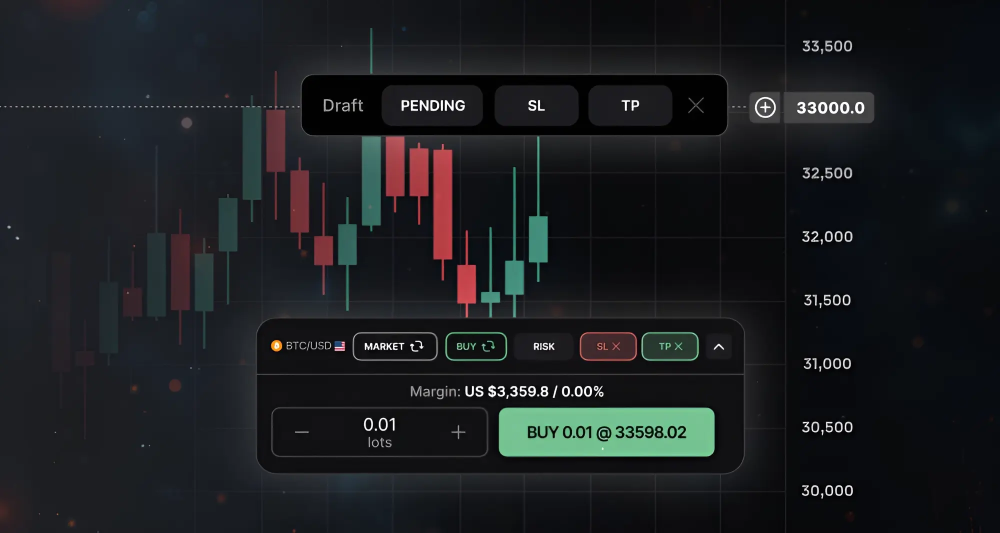
4. Trailing stop loss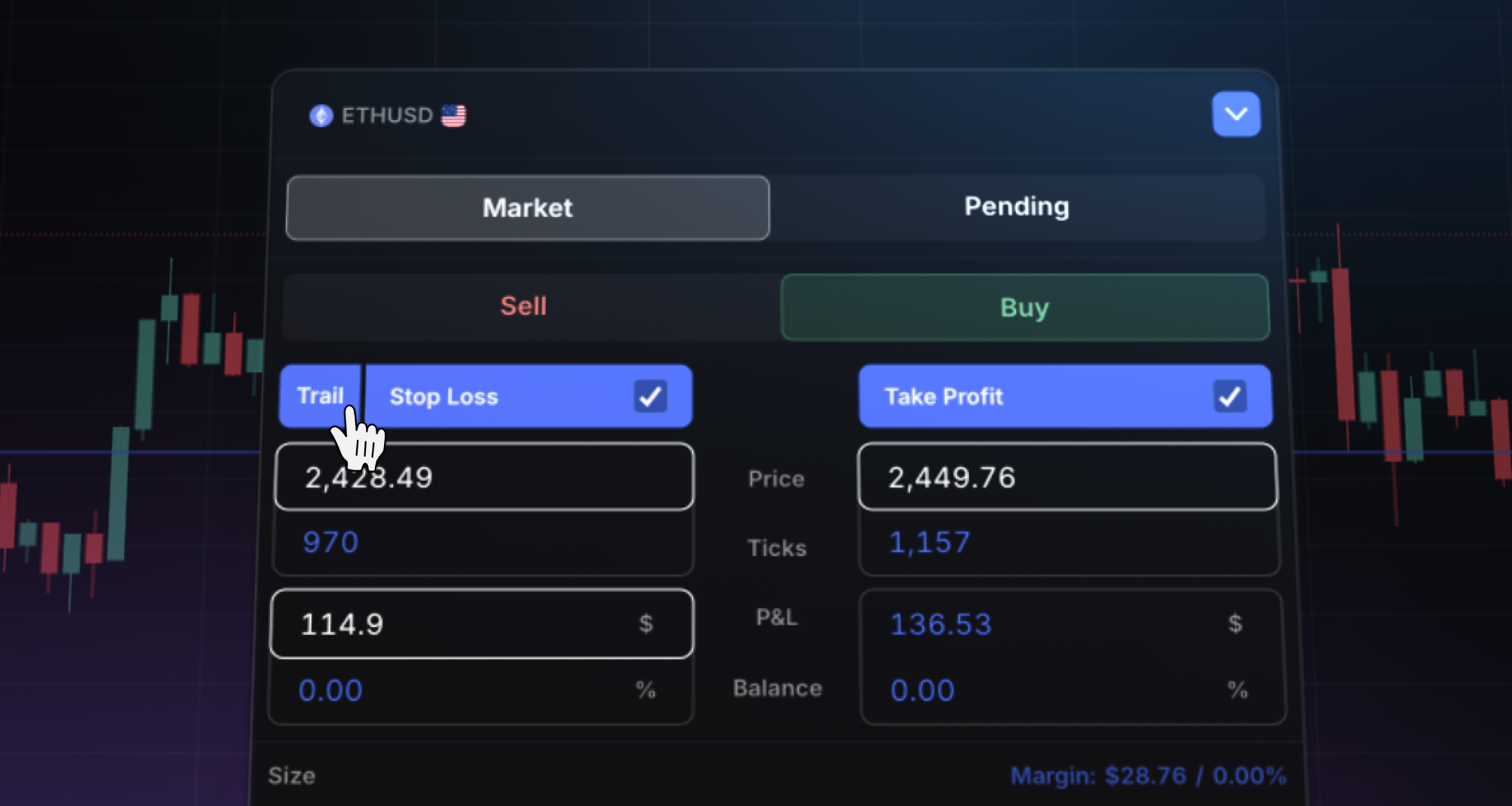
5. TradeLocker AI Studio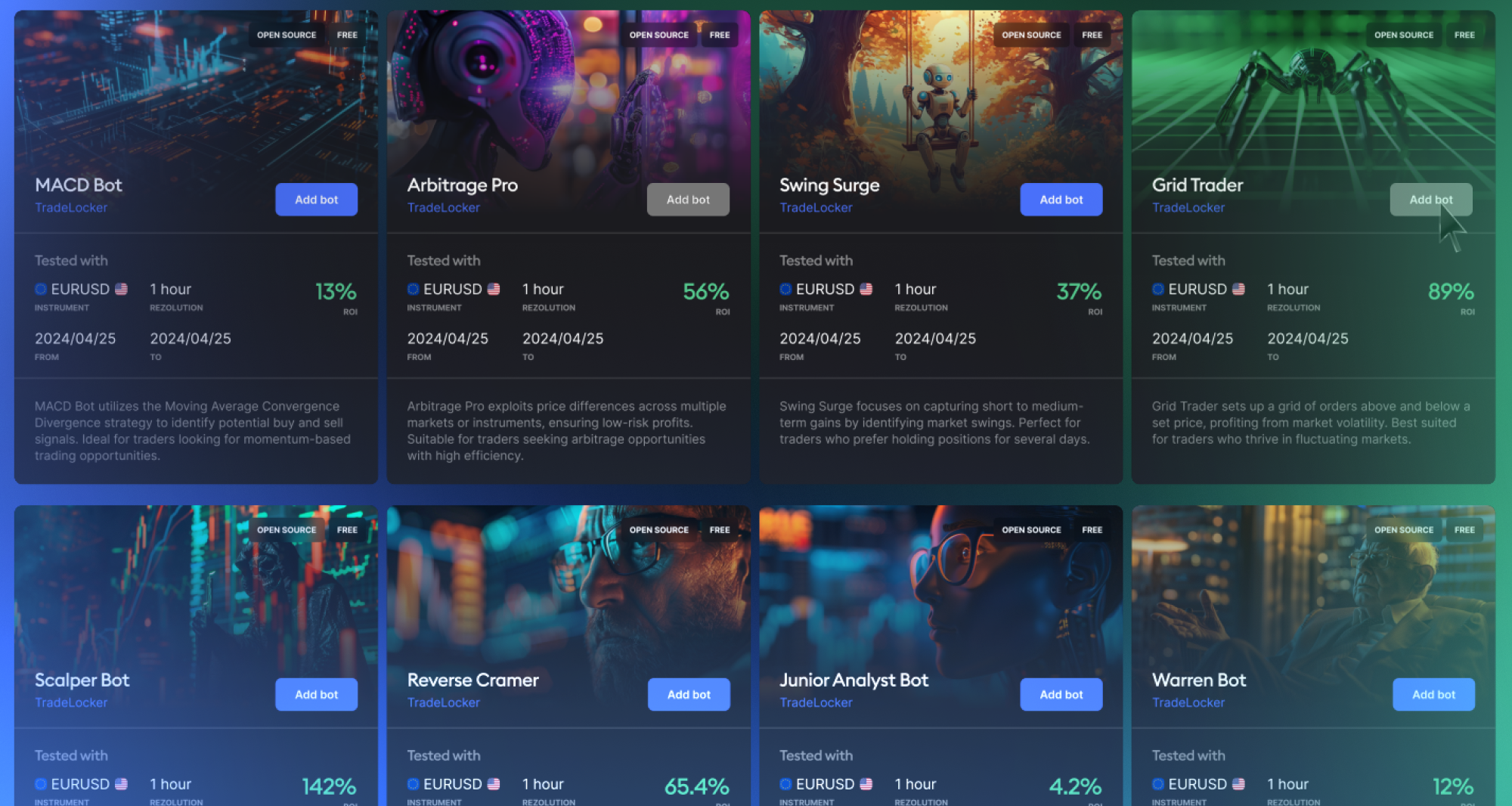
Email #2: How to log in to TradeLocker
Let your TradeLocker traders know how to access the trading platform and start trading. Here’s an example:
Hi Trader,
Here are your login credentials for TradeLocker:
TradeLocker Demo: demo.tradelocker.com
Account ID:
Email:
Password:
Server:
TradeLocker Live: live.tradelocker.com
Account ID:
Email:
Password:
Server:

Pro tip: Make sure you’re logging into the correct environment (DEMO or LIVE). You can switch in the top right corner of the app.
You can also use the TradeLocker app on:
For detailed login instructions, click here.
If you need a password reset or any help with your account, reach out to us directly.
Helpful resources
We know that navigating a new platform can be challenging, but don’t worry — we’ve prepared detailed guides and resources for you:
- Learn how to navigate TradeLocker: Step-by-step guides
- TradeLocker YouTube tutorials: How-to videos
- Trading community and TradeLocker team: Join TradeLocker’s Discord
💡 Tips
- Use the visuals provided in the media kit to make your emails eye-catching and professional.
- Set up a sequence of emails with follow-up content, tutorials, and feature highlights over the next few weeks.
- Include a clear call to action:
- Start trading on TradeLocker
- Start a challenge
- Visit the landing page you’ve created.
➡️ Follow Step 4 to write a PR article about the integration.