
Step-by-step guide
Here is a step-by-step guide on how to submit a ticket or a request to the TradeLocker team.
1. Navigate to the upper right corner of the screen and click Submit a request.

2. An empty request form will open where you can detail the nature of your request or issue. Enter the subject and describe your request. Be as detailed as possible to ensure a swift and accurate response.
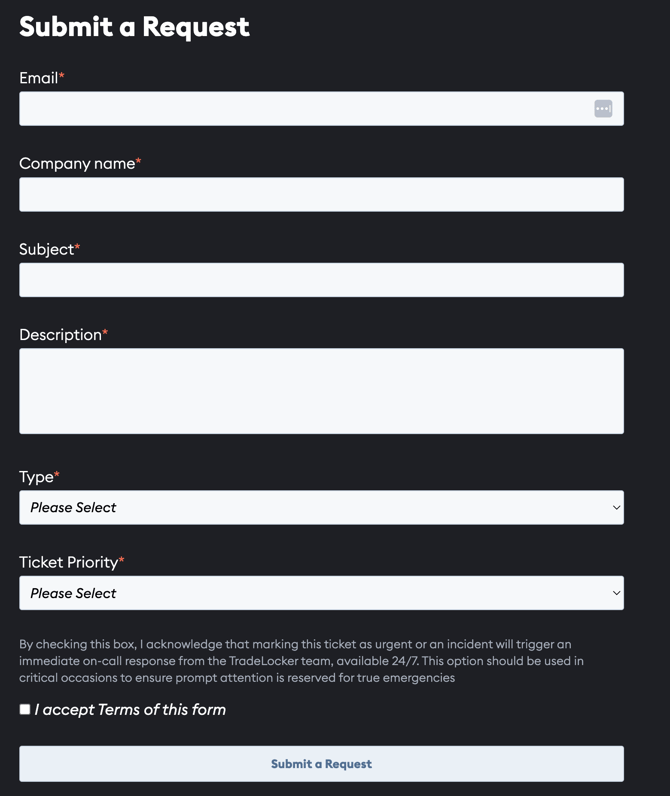
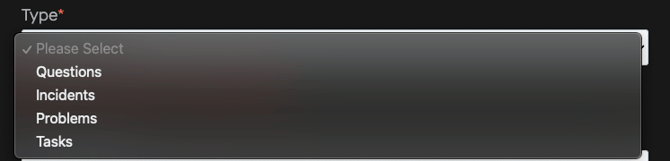
3. Select the type and priority of the request. This helps route your request to the right team.

4. Click the Submit button to send your request to the TradeLocker support team.
Availability (6-6 PM CET)
*Our support team is available 6-6 PM CET (12AM-12 PM EST).