
Use the following email templates and images to promote the partnership with TradeLocker in your newsletter.
Make sure the first email you send to your TradeLocker traders includes the platform link and their login credentials (email, password, and server). Feel free to copy the template below and use it in your onboarding automation.
Email #0
Your TradeLocker login details
Hi Trader,
Here are your login credentials for TradeLocker:
TradeLocker Demo: demo.tradelocker.com
Account ID:
Email:
Password:
Server:
TradeLocker Live: live.tradelocker.com
Account ID:
Email:
Password:
Server:

Pro tip: Make sure you’re logging into the correct environment (DEMO or LIVE). You can switch in the top right corner of the app.
You can also use the TradeLocker app on:
For detailed login instructions, click here.
If you need a password reset or any help with your account, reach out to us directly.
Email #1
Welcome to TradeLocker + Useful links
Welcome to TradeLocker: The next-gen day trading platform built by listening to the needs of traders, brokers, and prop firms that refuse to trade in the past.

First time on TradeLocker? We can help:
We understand that navigating through a new platform can sometimes be challenging, but don’t worry — we’ve prepared detailed guides and the TradeLocker support team is here to assist you every step of the way too.
- Learn to navigate TradeLocker: Step-by-step guides
- TradeLocker support email: support@tradelocker.com
- TradeLocker YouTube Tutorials: How-to videos
- Speak to the TradeLocker team and community: Join Discord
- Learn what’s next for TradeLocker: Roadmap
Email #2
What and how to trade on TradeLocker
From Forex pairs to Crypto CFDs, and everything in between — unlock a diverse range of trading opportunities with 500+ assets available on TradeLocker.
Click here to learn the difference between TradeLocker and the broker.
Here’s how to make your first trade on TradeLocker:
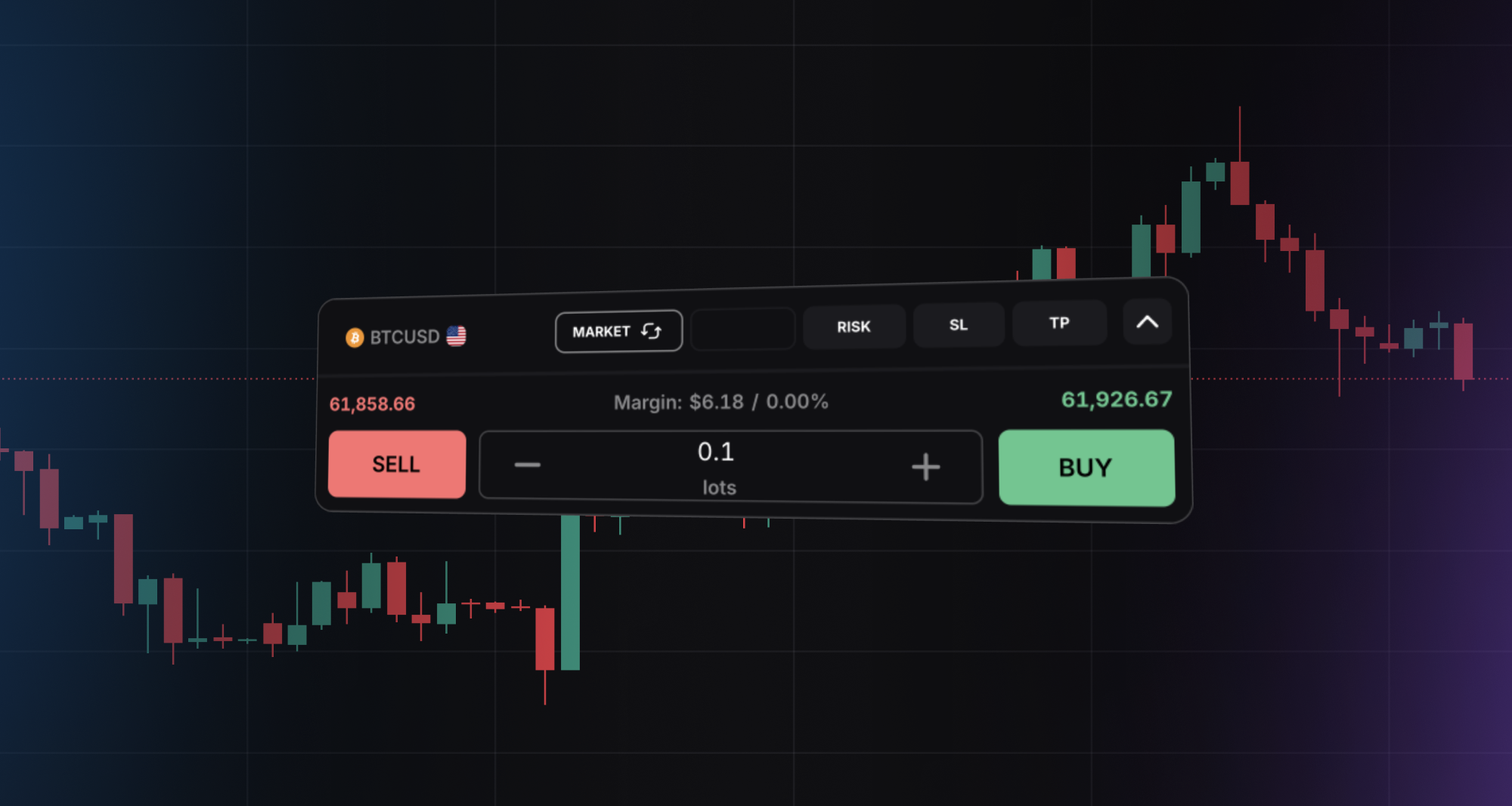
- Tap on the desired instrument pair.

- Choose the lot size and click on Buy or Sell to confirm your trade.
-
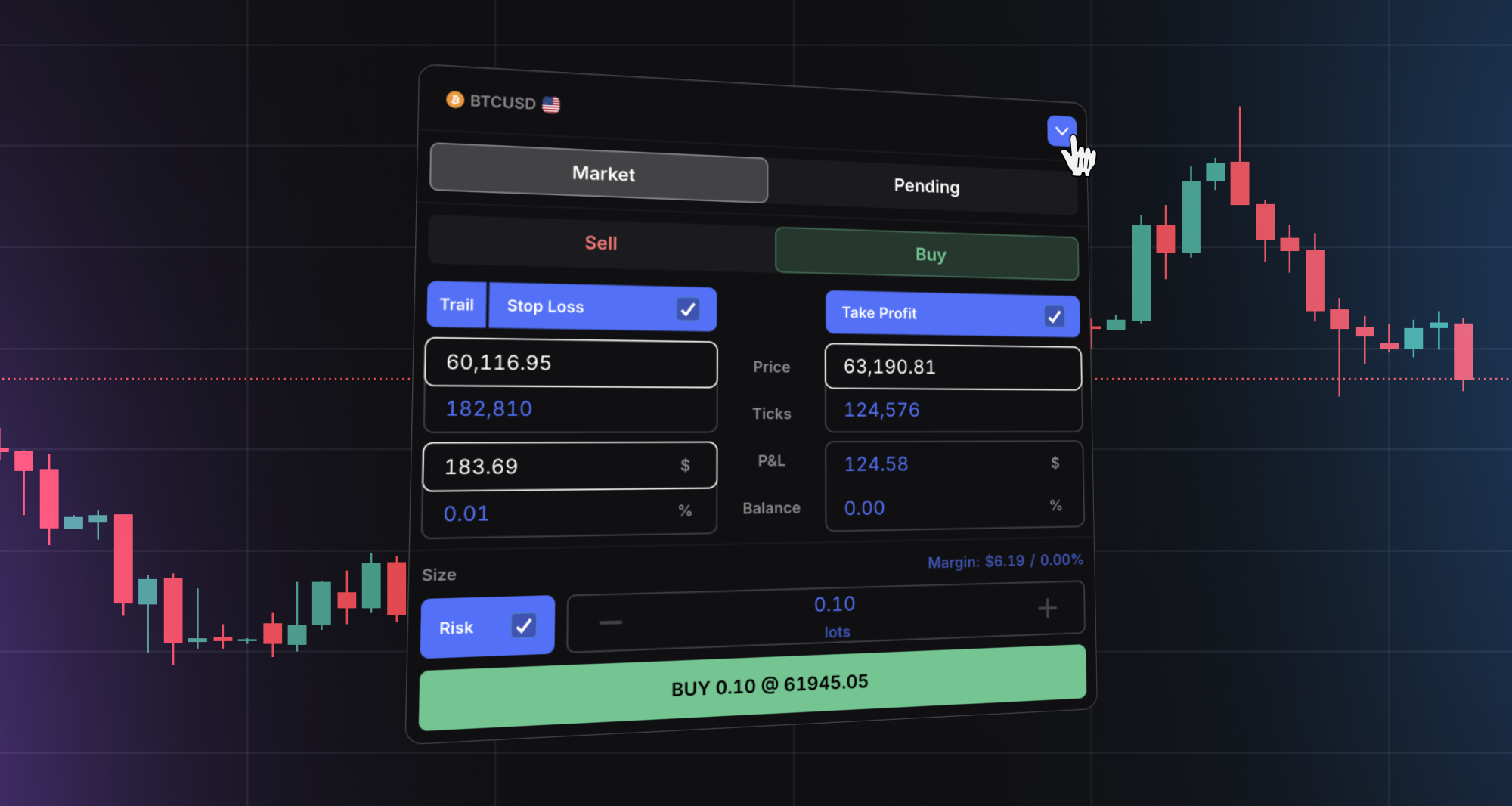
By clicking on the arrow, you can also:
-
Place a pending order or order at a market value.
-
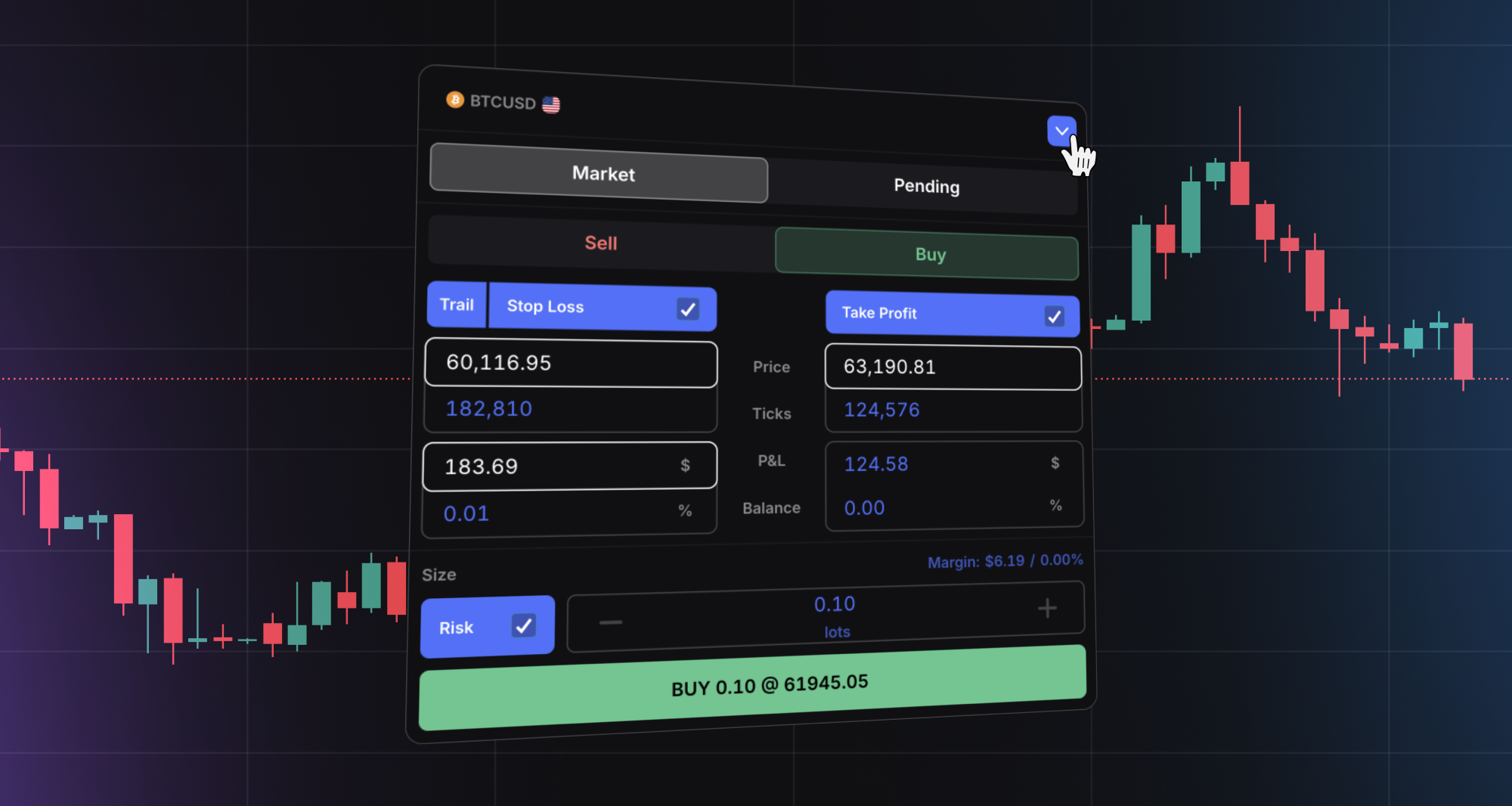
Set your stop loss and take profit levels.
-
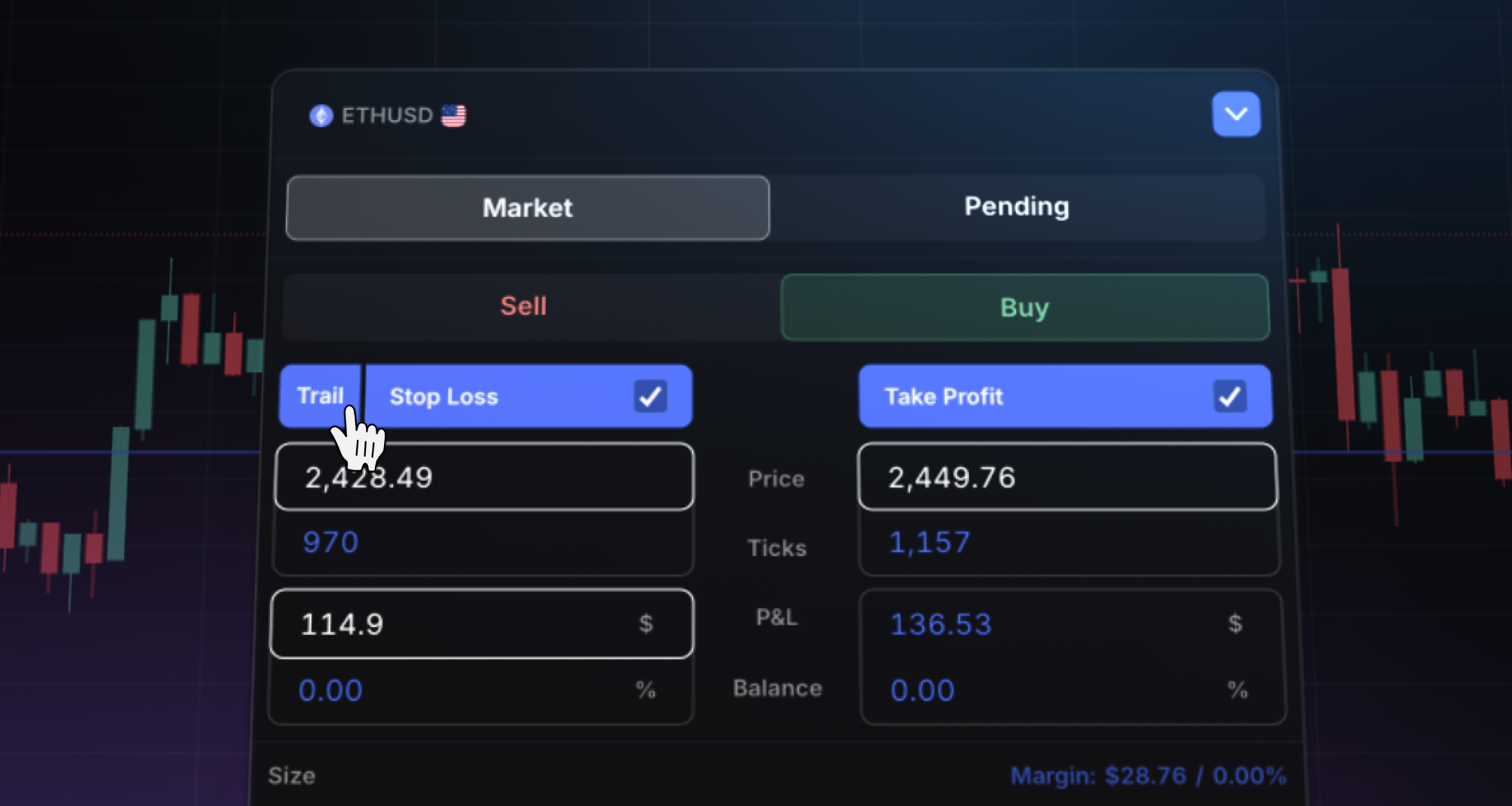
Set the trailing stop loss.
-
Calculate your risk.
-
Email #3
Minimize your risk, increase profitability
Here are some of our main features designed for seamless trading we know you’ll love:
TradingView Charting
Access hundreds of customizable charts and custom indicators.
Click here to learn how to use TradingView charting
Full-Chart and On-Chart Trading
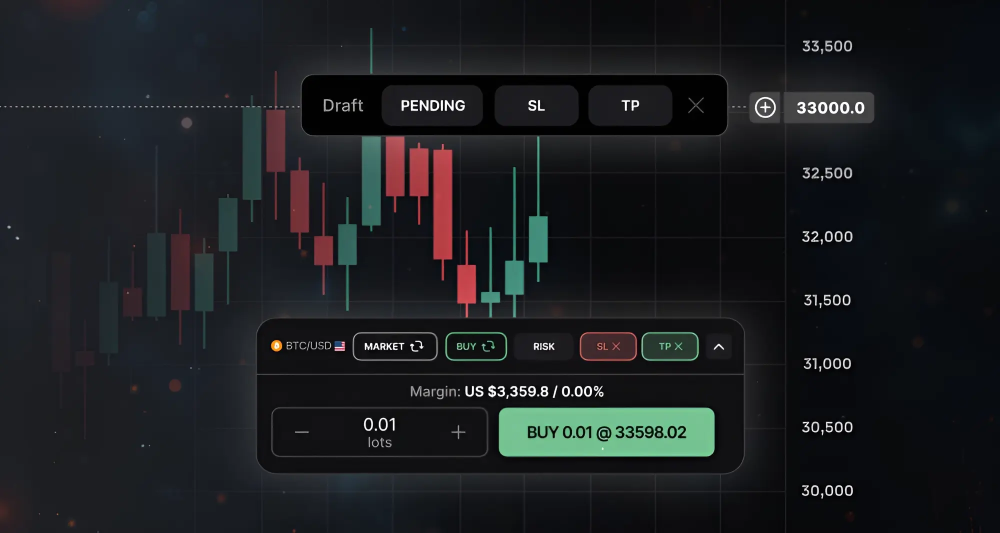
No need for multiple screens. Expand your chart to manage risk and execute trades directly on it.
SL&TP and Risk Calculator
Easily auto-calculate Stop Loss & Take Profit values in $, %, and lot ratios, as well as order size based on maximum risk per trade.
Trailing Stop Loss
One platform, multiple devices
Switch between a seamless, no-download browser view, slick desktop app and our versatile mobile app, allowing you to trade anytime, anywhere.
- Get it on Google Play or App Store.
- Get the desktop app for Apple Silicon, Apple Intel and Microsoft Windows.

Email #4
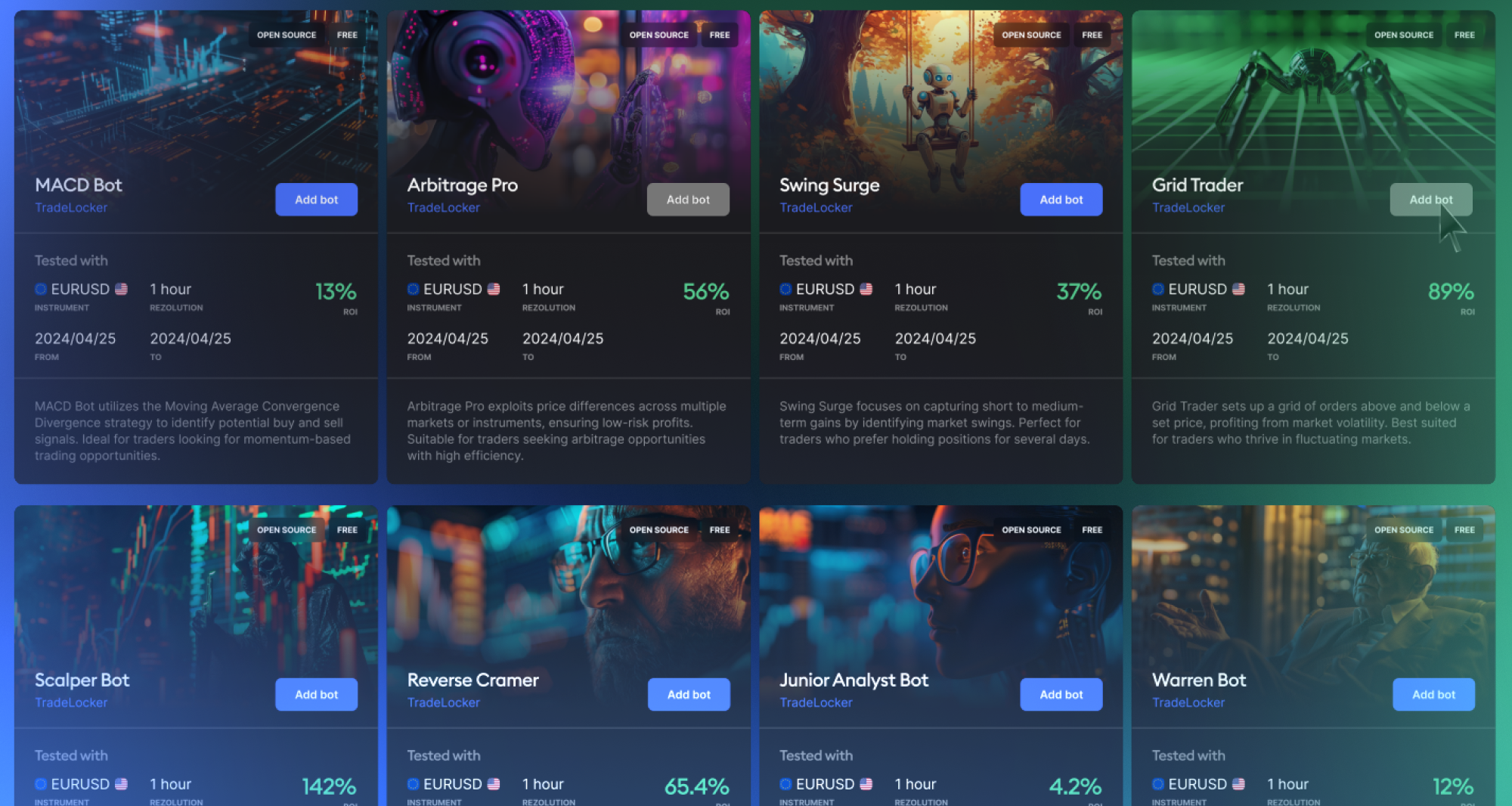
Trading bots and Next-gen features
The world of trading is rapidly evolving, and TradeLocker is excited to lead the change by making day trading more accessible, user-friendly, and community-driven than ever before.
The community feedback is the backbone of TradeLocker’s successful growth, and that’s why they’re developing features that enable a shareable and collaborative trading environment.
TradeLocker AI Studio
Write, use, and sell your own custom scripts, even if you don’t know how to code. You’ll be able to create custom scripts for bots, signals and indicators, as well as backtest your strategy based on historical data.

Keep them to yourself or publish them on the Marketplace.
Additional content
Join TradeLocker’s Discord community
Meet traders who’ve found success with TradeLocker and be inspired to write your own story!
Here’s some feedback we got while working on making TradeLocker your favorite trading platform:
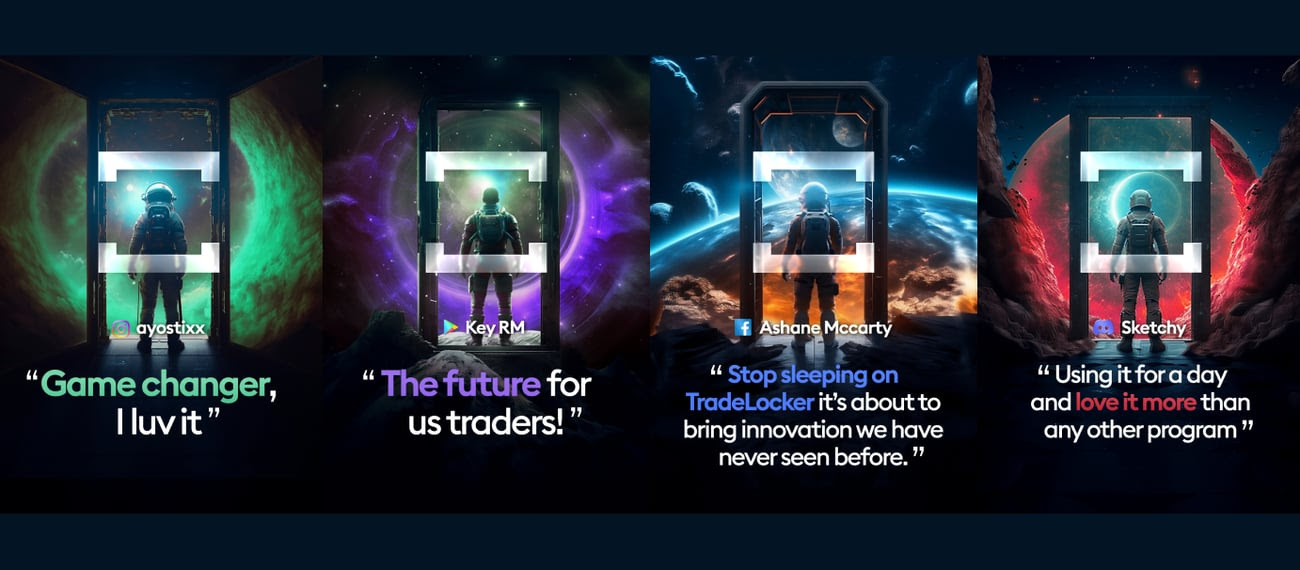
Read more feedback here.
Help us build the perfect trading platform that prioritizes traders’ needs and preferences. Join our Discord to meet the TradeLocker team and other traders, discuss upcoming features, and chat with us directly.
Upcoming features
Congratulations, you’ve completed your onboarding with TradeLocker and are all set to dive into the world of modern trading. 🥳 With the tips and insights you’ve gained, it’s time to kick-start your trading journey.
There are so many exciting things coming your way that we can’t wait to share!
Get a sneak peek into the dynamic future of TradeLocker. The updated roadmap lets you track all the exciting updates and new features scheduled for the coming months.